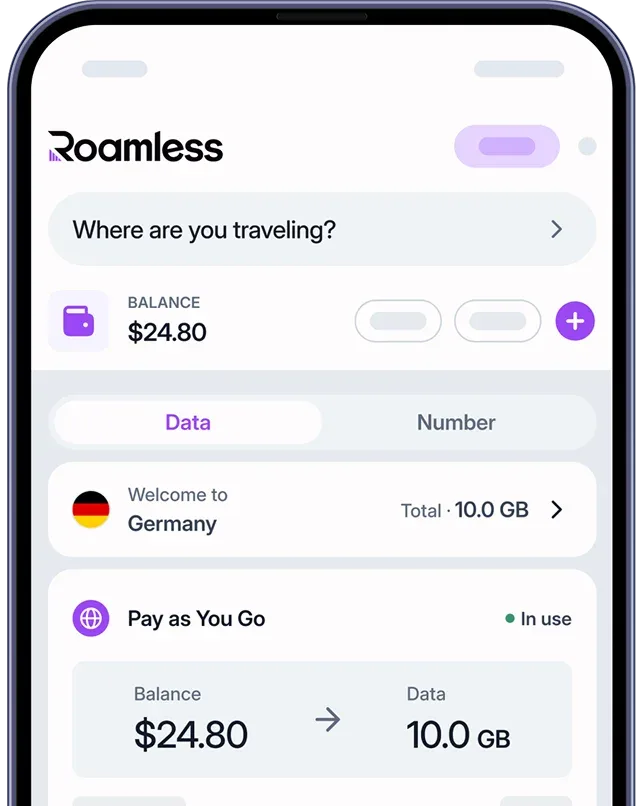
在 iPhone 上拨打国际电话可能会让人望而却步,特别是当您担心高昂的费用和复杂的拨号步骤时。在本指南中,我们将为您详细介绍如何在 iPhone 上拨打国际电话号码,并为您推荐一种经济高效的全球通信解决方案,帮助您轻松保持联系。如何在 iPhone 上拨打国际电话
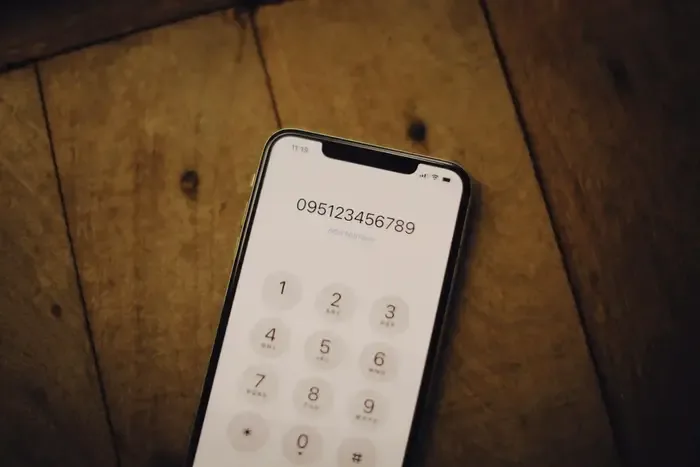
以下是步骤:
打开 iPhone 上的“电话”应用程序。
点击“键盘”标签页。
长按键盘上的数字 0(零),直到出现 “+” 符号。
输入您要拨打的国家代码。
输入您要联系的本地电话号码。
点击拨号键发起国际通话。
请记住,通过您的常规运营商拨打国际电话可能会非常昂贵,即使您已关闭数据漫游功能也是如此。在出国拨打电话前,务必向您的运营商确认国际通话费用和相关套餐信息。
国际电话拨号的国家代码
拨打国际电话时,国家代码是您通往全球连接的护照。这些独特的数字前缀由国际电信联盟(ITU)分配,帮助将您的电话路由到正确的国家。使用这些代码时,您通常会拨打您所在国家的出口代码(例如,美国为 011),然后是目的国的国家代码,再输入本地号码。这是一个简单的系统,可以开启世界通信的无限可能。为了帮助您在旅行中保持联系或与国际联系人取得联系,以下是全球主要目的地的国家代码列表:
美国: +1
英国: +44加拿大: +1澳大利亚: +61
德国: +49
法国: +33
日本: +81
中国: +86
印度: +91
巴西: +55
墨西哥: +52
西班牙: +34
意大利: +39
南韩: +82
俄罗斯: +7
土耳其: +90
Roamless: 国际电话拨打的颠覆者
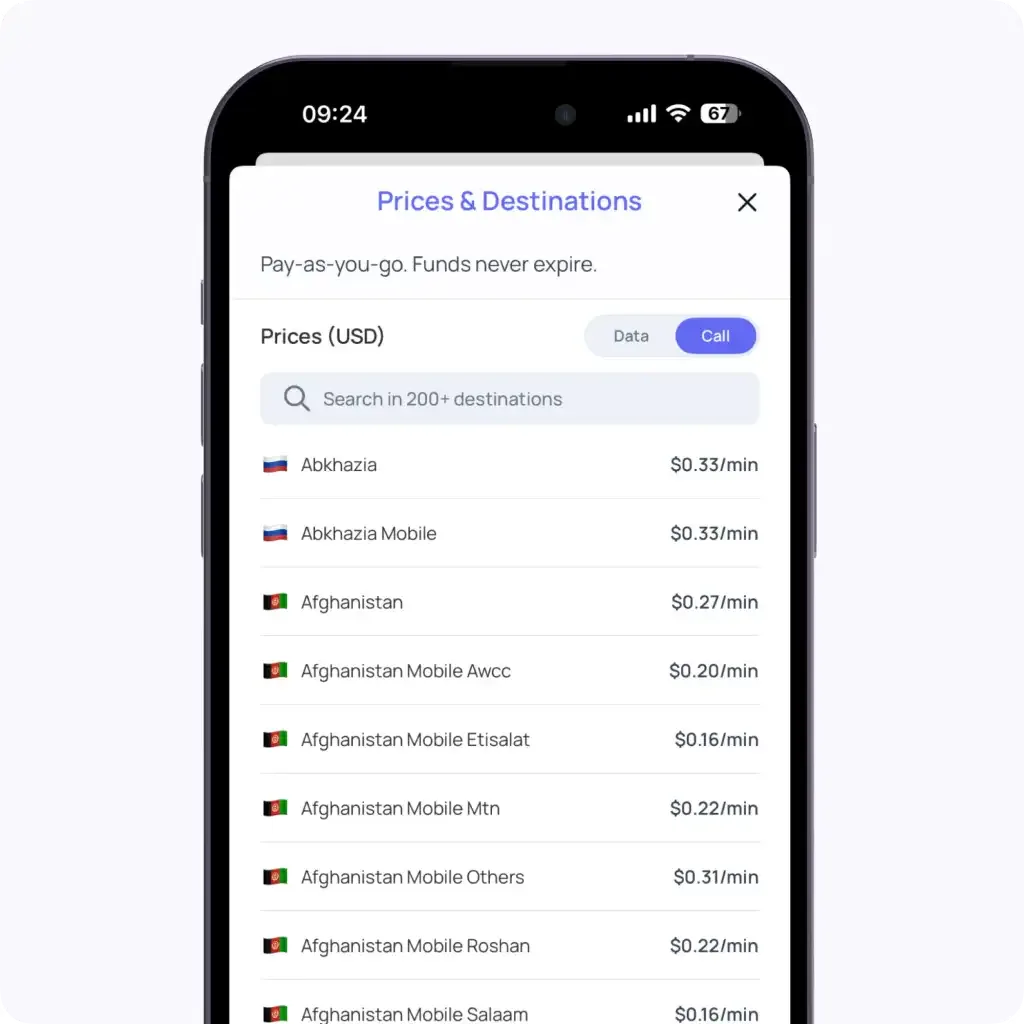
Roamless 提供了一种便利且经济实惠的国际拨号解决方案,用户可以通过其移动应用拨打电话。该应用内置的拨打功能允许用户以具有竞争力的价格拨打全球 200 多个目的地的电话。
Roamless 的应用内呼叫功能采用按需付费模式,费用起价低至每分钟 0.04 美元。
用户只需:
打开 Roamless 应用,
导航到电话标签,
拨打所需的国际号码。
该应用可以与您的联系人集成,方便拨打保存的号码(只需记得包括国家代码)。更重要的是,Roamless 的呼叫功能适用于任何互联网连接——无论您是使用 Wi-Fi,您的常规 SIM 卡,还是 Roamless eSIM。这种灵活性意味着即使在您不旅行时也可以拨打便宜的国际电话,是与国外的朋友、家人或商业联系人保持联系的理想选择。
在您的 iPhone 上拨打国际电话不必是一件麻烦事或破坏您财务的事情。尽管传统的拨号出口代码和国家代码的方法是有效的,但常常伴随着高昂的费用和潜在的混淆。这正是现代解决方案如 Roamless 发挥作用的地方,提供了一种无缝的方式以保持跨境连接。international calling more accessible and affordable:
Roamless's in-app calling feature works on a pay-as-you-go model, with rates starting from as low as $0.04 per minute.
Users can simply:
The app integrates with your contacts, making it easy to call saved numbers (just remember to include the country code). What's more, Roamless's calling feature works with any internet connection – whether you're using Wi-Fi, your regular SIM card, or the Roamless eSIM. This flexibility means you can make cheap international calls even when you're not traveling, making it an excellent option for staying in touch with friends, family, or business contacts abroad.
In addition, you can open the Roamless app and enter a valid promo code at checkout. To get the latest offers and extra data on your first purchase, visit our eSIM promo code page.
Making international calls on your iPhone doesn't have to be a hassle or a drain on your wallet. While the traditional method of dialing exit codes and country codes works, it often comes with hefty price tags and potential confusion. That's where modern solutions like Roamless come into play, offering a seamless way to stay connected across borders.
You can also check our other iOS guides such as how many eSIMs can you have on iPhone, iPhone 16 eSIM Capabilities, how to check data usage on iPhone,how to share location on iPhone, how to see location history on iPhone, how to use eSIM on iPhone, how to check if eSIM is activated on iPhone, how to transfer eSIM from Android to iPhone and current period roaming on iPhone.