Roamless Credits
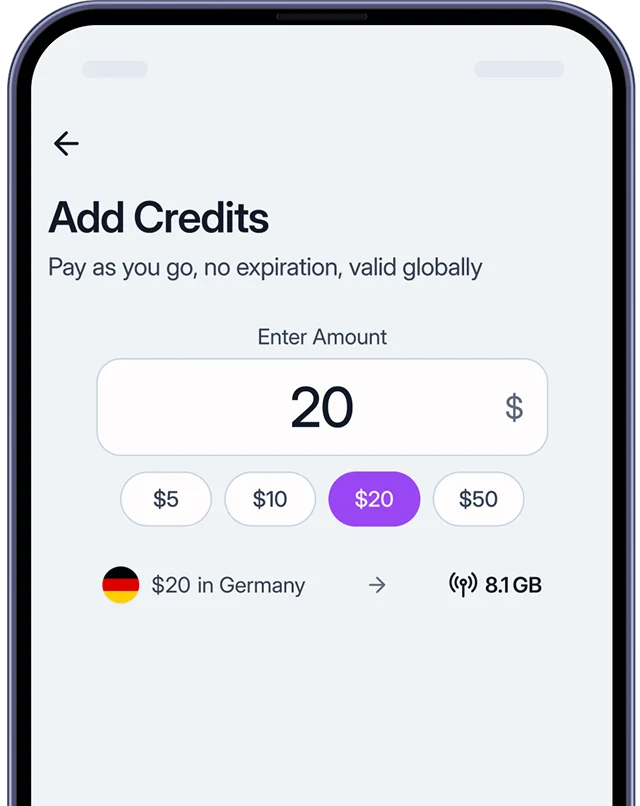
One balance for all your connectivity needs
Roamless Credits is your balance inside the Roamless app. Use credits for data, calls, or SMS, wherever you are.

Add credits and use them anytime, anywhere.
Credits never expire.
Your Roamless Credits are linked with your account.
Valid in 200+ destination.
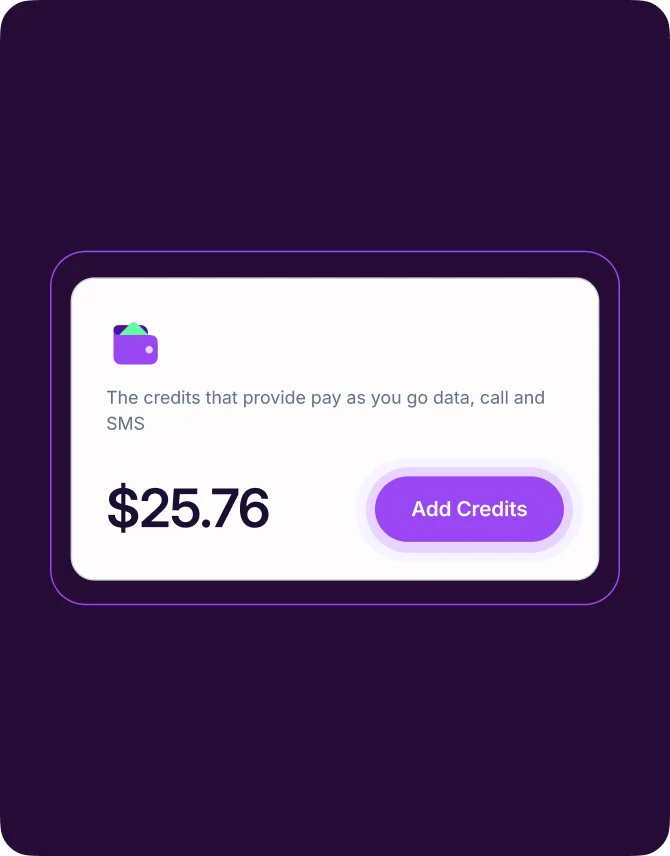
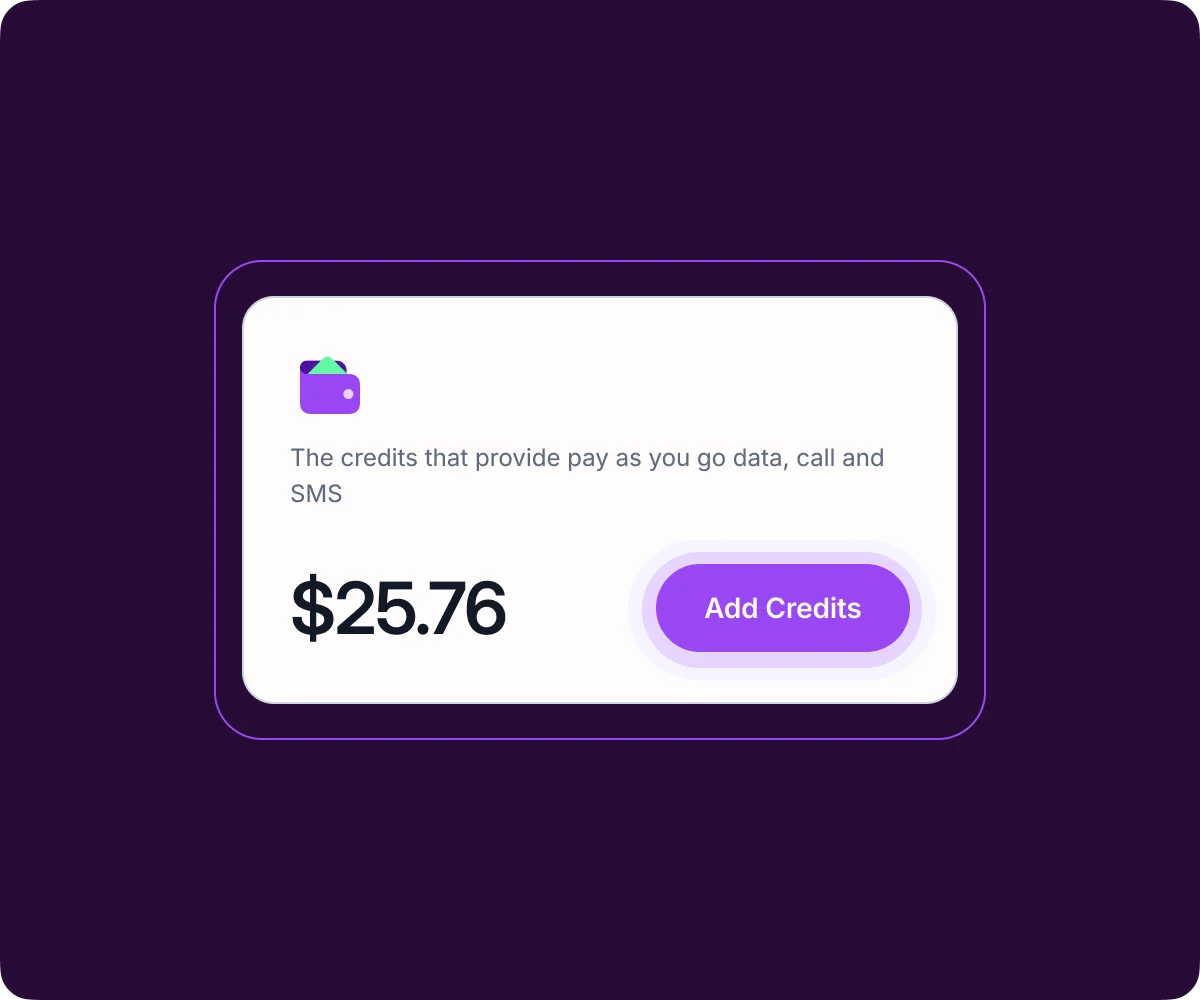
Using credits is simple
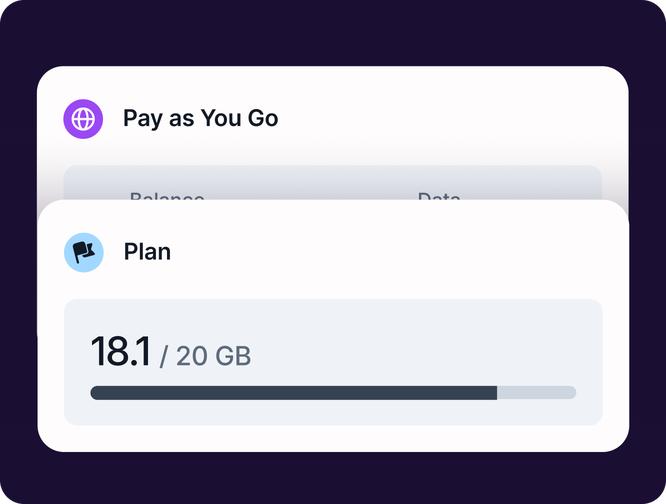
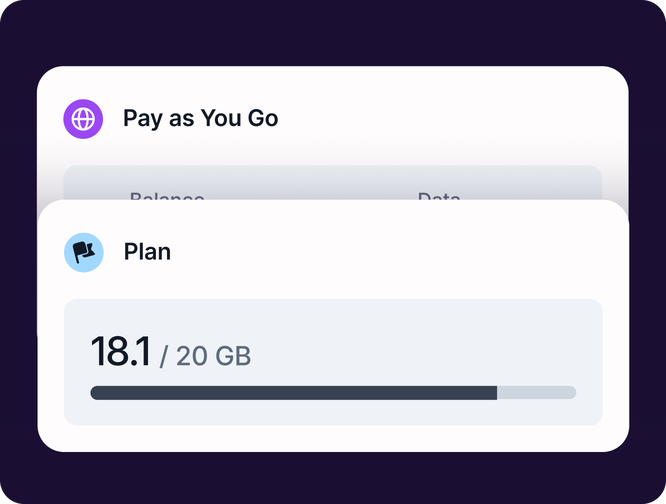
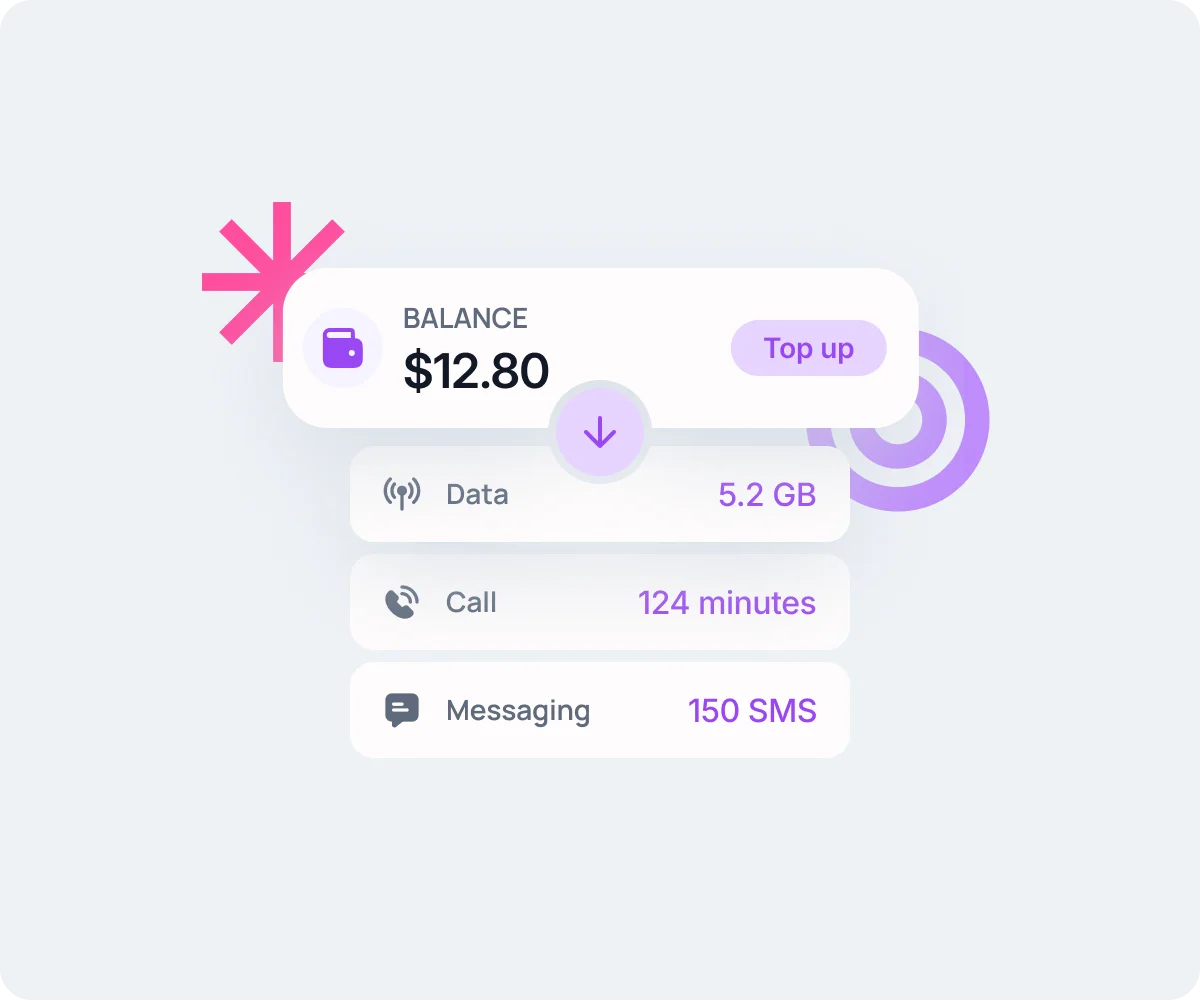
Add credits and your balance is used automatically for data, calls, and SMS.
Use your credits across data, calls, and SMS.
Credits are deducted automatically based on your usage.
Data is charged per MB, calls and SMS are charged per rate.
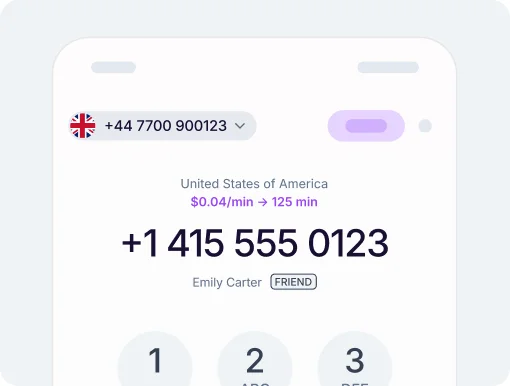
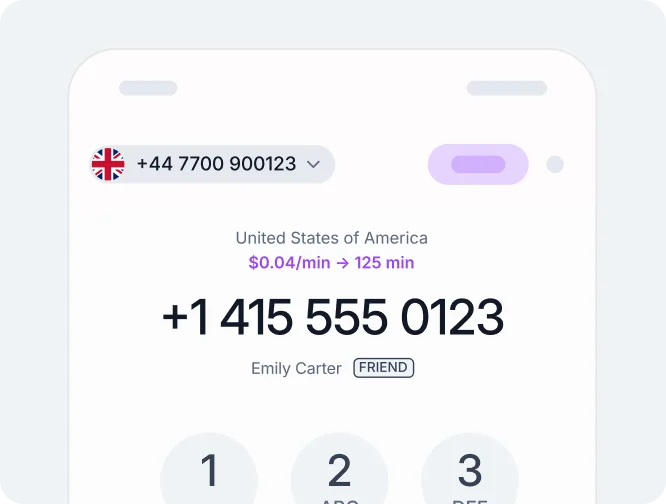
See exactly what data, calls, and SMS cost in the app before you use them.
Buy data plans using your Roamless Credit.Coming soon
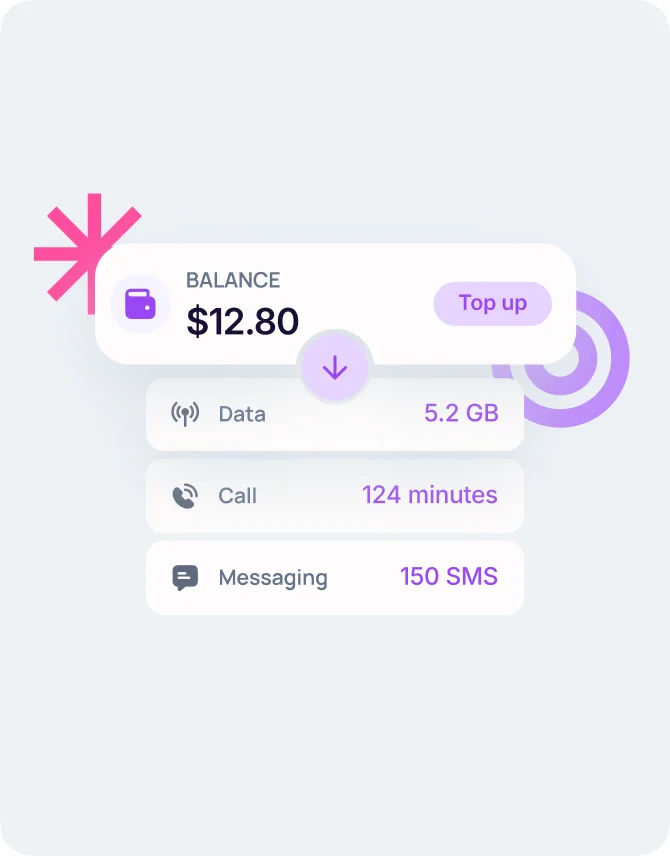
CONTROL
Your credits: easy to manage, easy to track
BALANCE ALERTS
Stay online without interruptions
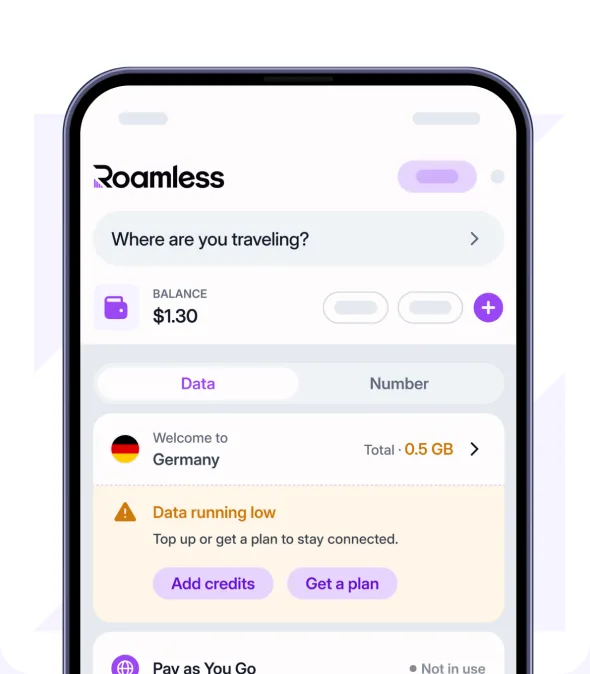
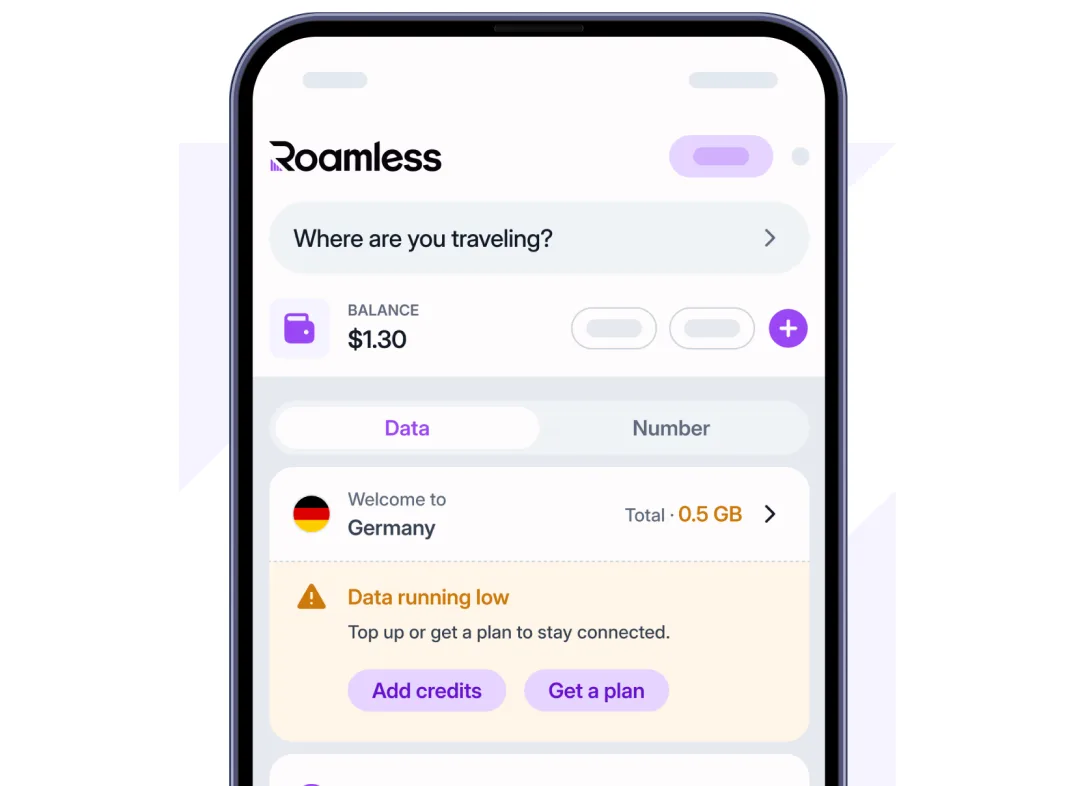
Get notified when your balance is low so you can top up before you run out.
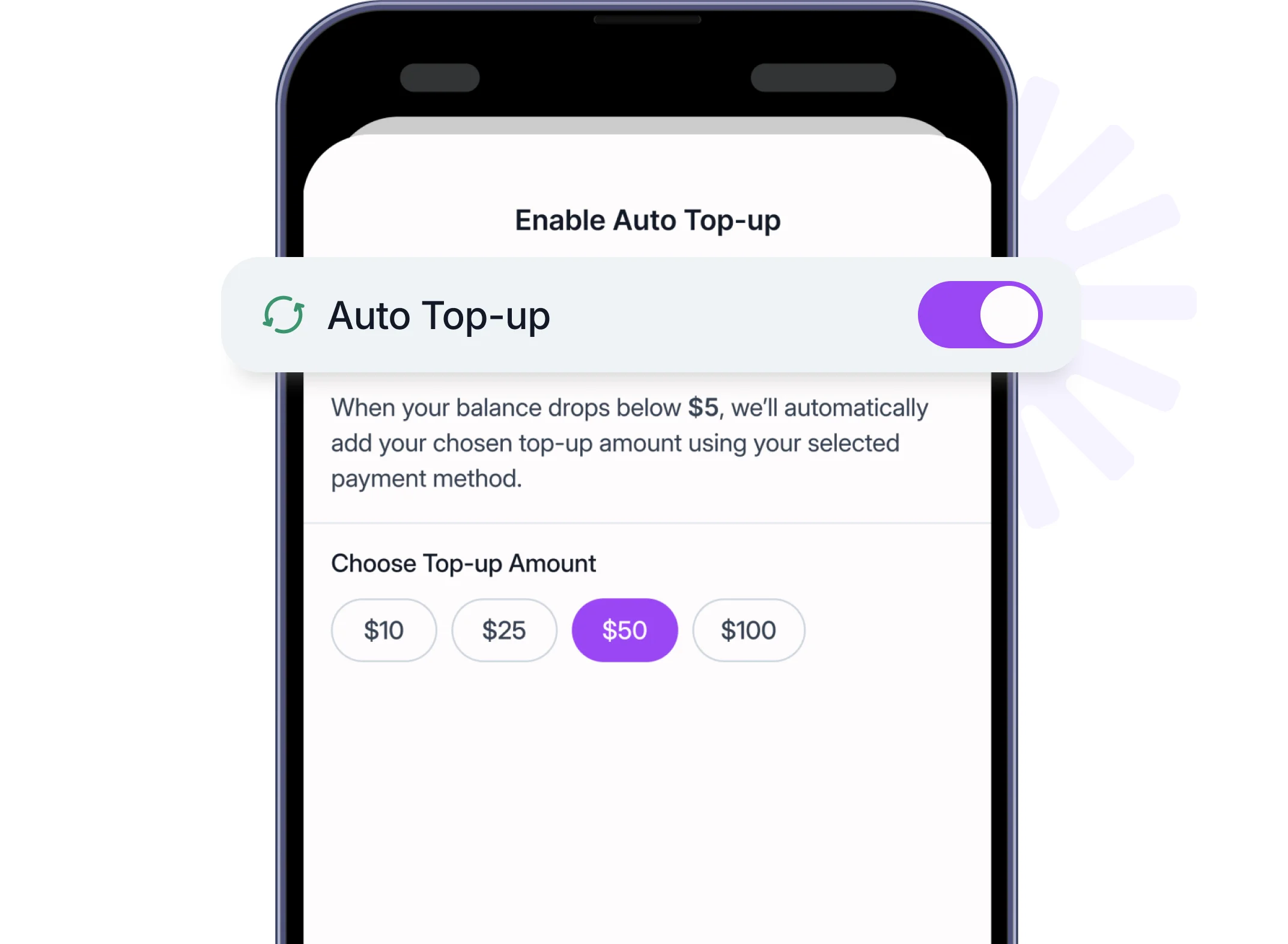
AUTO TOP UP
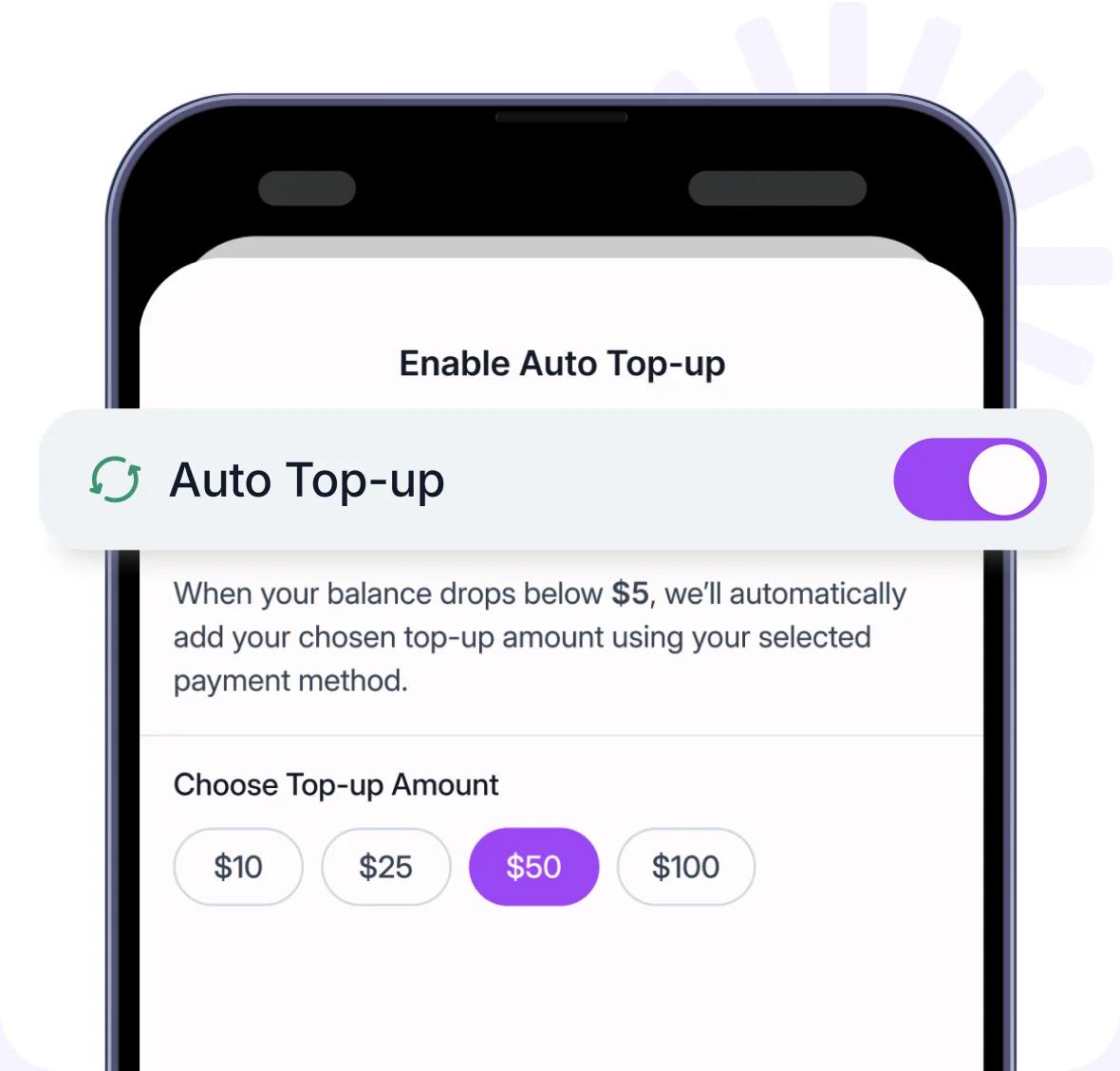
Never run out of credits again
NEWUse Roamless Credits a lot? Turn on Auto Top Up. Set it once, and your Balance refills automatically before it drops below $5. No alerts to chase, no manual refills.
USAGE
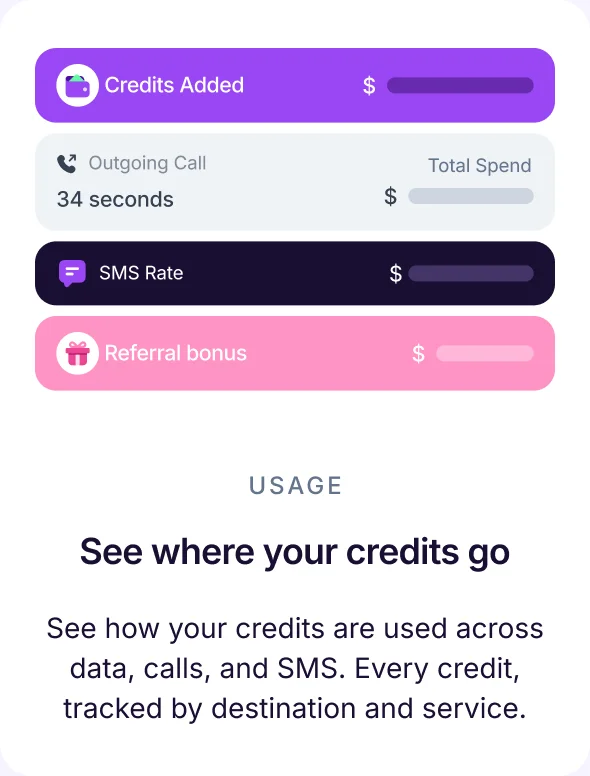
See where your credits go
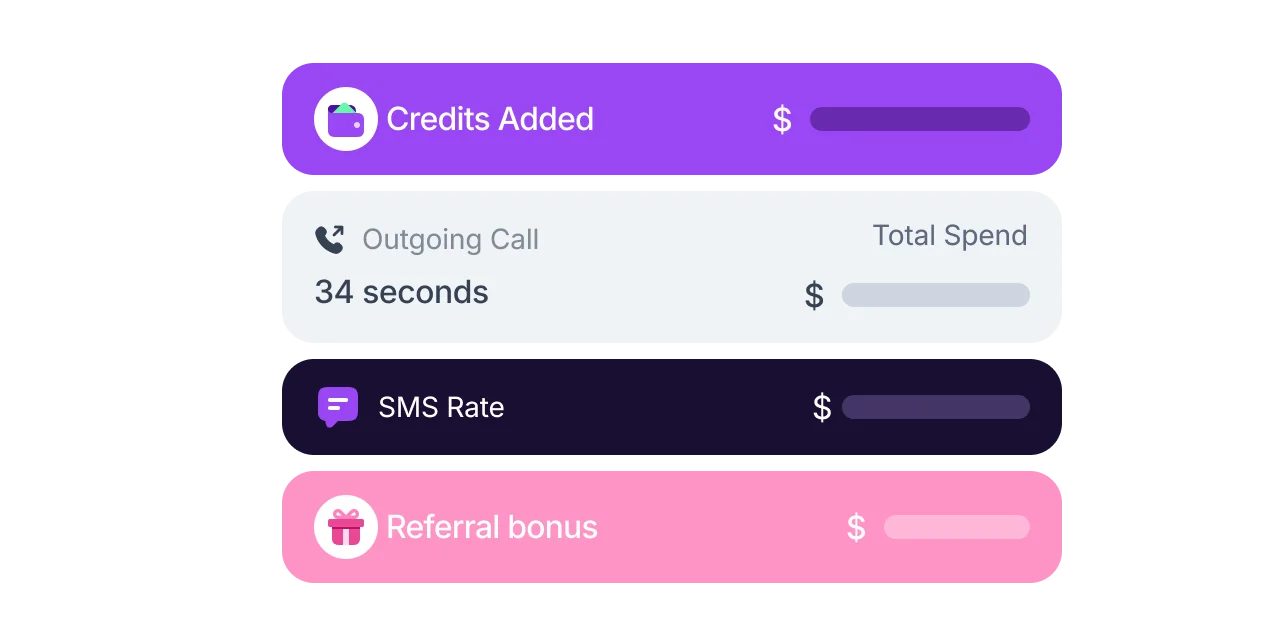
See how your credits are used across data, calls, and SMS. Every credit, tracked by destination and service.