Wireless internet access (WiFi) is available in all public areas of Orlando International Airport (MCO) and is provided free of charge. Passengers can connect by selecting the “MCO Internet” network available across the three terminals. This post explains how to connect to Orlando Airport WiFi and what to do if you experience any connection issues.
Does Orlando Airport Have Free WiFi?
Yes, Orlando Airport offers free WiFi throughout its three terminals, lounges and public areas. The connection works well for browsing the web, watching videos, and listening to music, with no time restrictions and no password required.
Note: Personal hotspot use may affect the airport’s free WiFi. If you notice slower speeds on the “MCO Internet” network, please turn off personal hotspots when not in use to help maintain network performance.
Orlando Airport WiFi Name
The WiFi network you need to connect to is “MCO Internet”. Make sure you select the correct network name.
Note: The network name (SSID) can change. If you are unsure, check airport signage or ask airport staff for help.
How to Connect to Orlando Airport Free WiFi
Connecting to the free WiFi at Orlando Airport is easy and takes only a few steps:
Make sure your device’s WiFi is turned on.
Open the WiFi settings on your smartphone, tablet, or laptop.
Choose the network named “MCO Internet” from the list of available networks.
Tap to connect. No password is required, and you can start using the internet right away.
Note: If the connection page does not load, try disabling any popup blockers in your browser and reconnecting to the WiFi.
Orlando Airport WiFi Not Working?
If you have trouble connecting to the free WiFi at Orlando Airport, try the following steps:
Check your WiFi settings: Make sure WiFi is turned on and Airplane Mode is disabled.
Confirm the network name: Connect only to the official “MCO Internet” network. Avoid similar or unofficial network names.
Try reconnecting to the network: Turn WiFi off, wait a few seconds, and turn it on again.
Open a web browser: If the connection page does not appear automatically, open your browser and enter any website.
Turn off VPN services temporarily: VPNs can prevent the connection page from loading.
Note: If the problem continues, ask airport support staff for help.
eSIM: A Smart Option for International Travelers
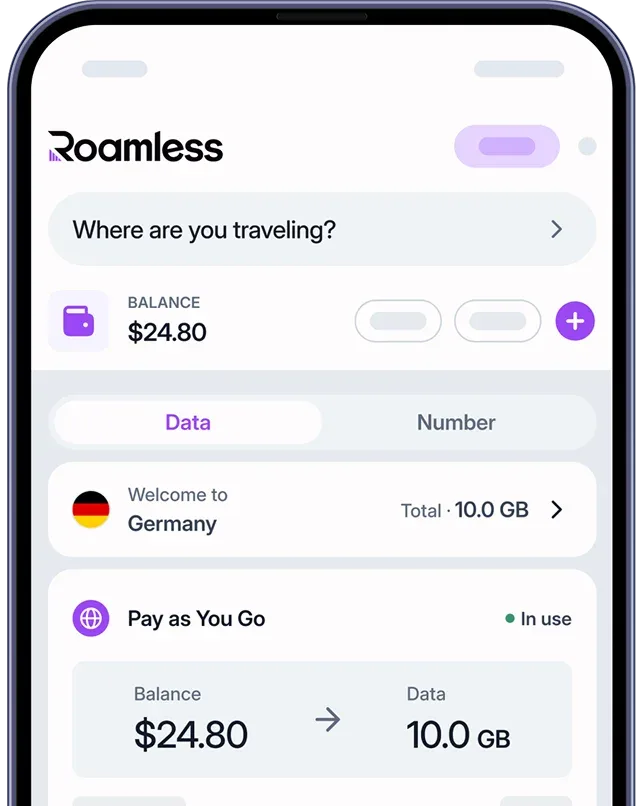
Free WiFi at Orlando Airport is useful, but it is limited to the airport terminals. Travelers who need internet access throughout their stay in the United States may prefer using an eSIM. A global eSIM like Roamless provides mobile data access without relying on public WiFi:
Instant activation: Mobile data is available shortly after connecting to a local network.
No reliance on public WiFi: Internet access continues without depending on airport or hotel WiFi.
Improved privacy: Mobile data is generally more secure than shared public WiFi networks.
Nationwide coverage: Data can be used across different locations in the United States.
Security Risks of Using Public WiFi Networks
Public WiFi networks can pose certain security risks, especially in busy public places. Common issues include:
Data exposure: Information sent over open networks may be visible to others.
Fake networks: Some WiFi networks may appear legitimate but are created to collect user data.
Malware risks: Shared networks can increase the risk of harmful software.
Screen visibility: In crowded areas, people nearby may see sensitive information on your screen.
Note: For better security, avoid entering passwords, banking details, or other sensitive information when using public WiFi.
For more information, you can read our guide onIs Airport WiFi Safe.
How Roamless eSIM Offers a Secure Alternative
Roamless eSIM provides mobile internet access without relying on public WiFi networks:
Secure mobile connection: Mobile data connections are generally more secure than open public WiFi.
Private data access: Internet usage runs through your own data plan instead of shared networks.
Simple activation: The eSIM can be set up before travel and activates when the device connects locally.
Digital setup: Connectivity is managed digitally, without visiting a store.
Global coverage: Available across the United States and more than 200 destinations worldwide.
For more information, visit our page on eSIM United States of America.
You can also check our other guides such as San Francisco Airport WiFi,Chicago Airport WiFi, Charlotte Airport WiFi, Newark Airport WiFi, Paris Airport WiFi, Barcelona Airport WiFi, Rome Airport WiFi.
Source: