TL;DR
A nano SIM is the tiny plastic chip you slot into a tray. An eSIM is that same SIM built into the phone as software, so there is no card to insert. They do the same job, but the eSIM is smaller, harder to lose or steal, and can be set up in minutes without waiting for anything to arrive. Most recent phones can run both at once, so for most people the honest answer is: use the eSIM, keep the tray as a backup.
A nano SIM and an eSIM are not rival technologies. They are two formats of the same thing, the SIM that identifies your phone to a mobile network. One is a removable card, the other is a chip soldered into the phone that receives its details as software. Everything else in this comparison follows from that single difference.
What is a nano SIM?
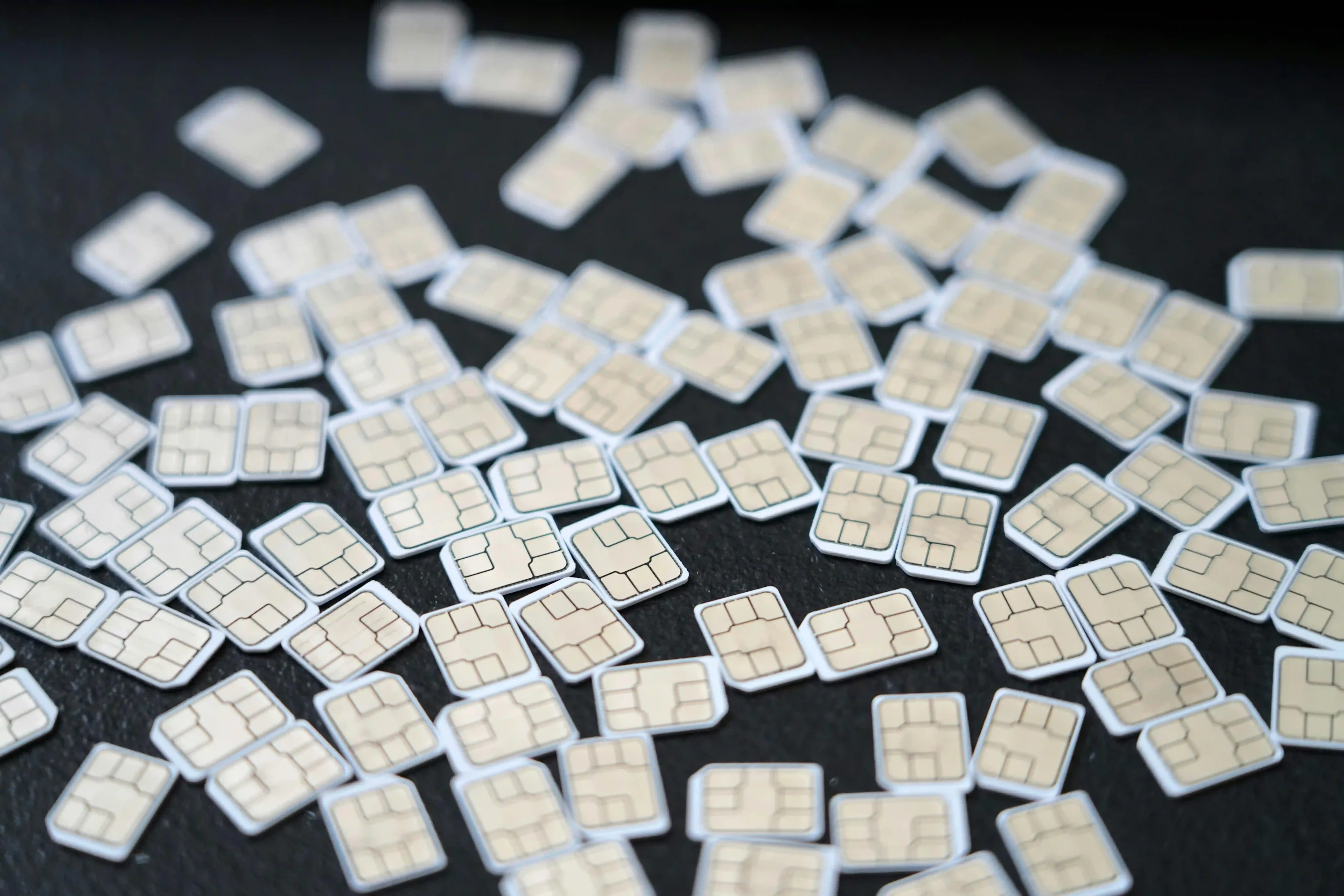
A nano SIM is the smallest removable SIM card, the little chip you push into a tray on the side of your phone. Its technical name is 4FF (fourth form factor), it measures about 12.3 by 8.8 mm, and it has been the standard since it was introduced in 2012. If you have swapped a SIM in the last decade, it was almost certainly a nano SIM.
It is the last step in a long shrinking process. SIM cards started credit-card sized in the early 1990s and got smaller in stages, from mini SIM to micro SIM to nano, each one trimming the plastic around the same small gold contact. The nano SIM (4FF) is where that shrinking stopped, because there is barely any plastic left to remove. The only way to go smaller was to drop the removable card entirely.
What is an eSIM?
An eSIM is that next step: a SIM built permanently into the phone instead of slotted in as a card. The "e" stands for embedded. Rather than carrying your network details on a piece of plastic, the phone holds them on a small reprogrammable chip called an eUICC (embedded Universal Integrated Circuit Card), and your carrier's profile is downloaded onto it over the internet, usually by scanning a QR code.
The practical result is that setup is a software process. You buy a plan, you get a QR code, you scan it, and your phone downloads the profile it needs. There is no card to wait for, collect, or insert, which is the whole reason an eSIM can be up and running minutes after you buy it. One chip can also hold several profiles at once, so you can keep more than one number or plan on the same phone.
eSIM vs nano SIM: the comparison
Here is how the two formats line up on the things that actually change your day to day.
| Nano SIM | eSIM |
Form | Removable plastic card | Chip built into the phone |
Setup | Insert the card, wait if posted | Scan a QR code, download in minutes |
Switching carriers | Swap in a new card | Download a new profile, no card needed |
Running two at once | One card per tray slot | Several profiles stored, one or two active |
Losing or damaging it | Can be lost, snapped, or worn | Nothing physical to lose or damage |
Moving to a new phone | Pop the card out, put it in | Transfer the profile through your carrier |
Phone support | Almost every phone | Most phones since ~2018, all recent flagships |
Size barely matters to you: Both formats are tiny and neither takes up space you would notice. The size story matters to phone makers, who get a little more room inside the case, more than it matters to you.
Setup and switching is where the eSIM pulls ahead: Changing carriers on a nano SIM means getting a new physical card into your hands. On an eSIM it is a download, which is why switching networks or adding a travel plan is a same-minute job.
Losing it is a real difference: A nano SIM can be dropped, snapped, or pulled from a stolen phone and popped into another device. An eSIM cannot be physically removed, so it is harder to lose and harder for a thief to lift out and reuse. This is a genuine security edge, and it is covered further in whether eSIMs are safe.
Two at once is normal now: Most modern phones support one nano SIM and one eSIM running together, or two eSIMs, which is how people keep a home number and a separate travel data plan on one phone.
Which phones are eSIM-only now
The line is moving toward eSIM fast enough that on some phones the tray is already gone, though how far depends heavily on where you are. In the US, every iPhone since the iPhone 14 in 2022 ships without a physical SIM tray, and the iPhone Air is eSIM-only in every country. Outside the US, most recent iPhones still include a nano SIM tray alongside eSIM support. A few markets hold onto the physical card more firmly still: in mainland China, Hong Kong, and Macau, iPhones have shipped with physical SIM trays and limited or no eSIM, partly because regulators there historically required a removable SIM.
On the Android side, flagships from Google, Samsung, and others support eSIM but still ship with a nano SIM tray in most regions, so you get both. If you are not sure where your phone stands, it is worth checking against a current list of eSIM compatible phones before you assume either way.
Which one should you choose
The format is often decided for you by the phone. Where you do have a choice, it comes down to your situation.
Buying a new iPhone or Android: Use the eSIM. If it is a recent US iPhone, you have no tray anyway. On Android you usually have both, and the eSIM is the less hassle option for everything except quickly moving your SIM to a spare handset.
Traveling next month: The eSIM wins clearly. You can buy and install a travel data plan before you leave, keep your home number active on your existing SIM, and switch data to the travel line when you land. No card to source abroad and no roaming bill to dread.
Switching carriers at home: If your phone and both carriers support eSIM, switching is a download rather than a wait for post. If either carrier is still card-only, a nano SIM may be the faster route on the day.
Buying a used phone: Check the eSIM status before you pay. Confirm the phone is not carrier-locked and that any previous eSIM profile has been removed, because a lingering profile or a lock can stop you activating your own plan. On a used iPhone without a tray, this matters more, since there is no card slot to fall back on.
Using a Roamless eSIM
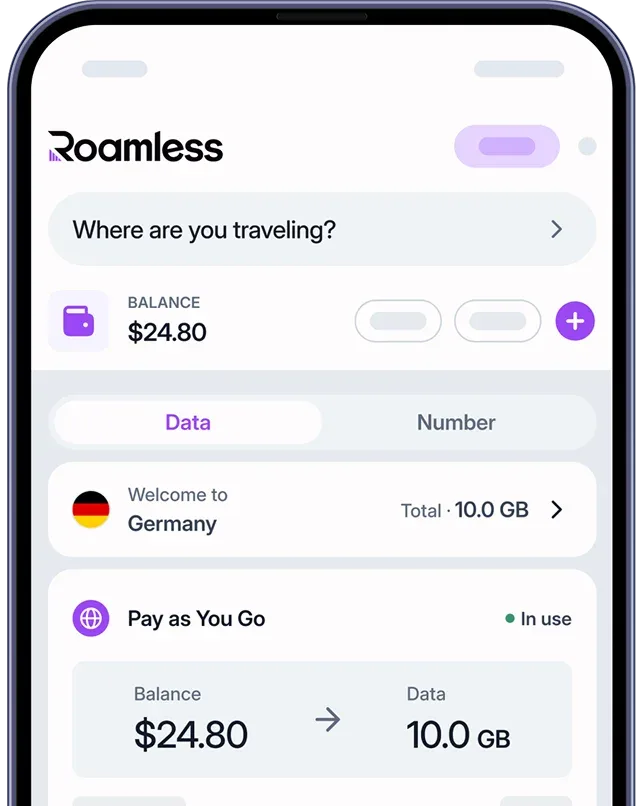
If the choice is about travel, the eSIM is what makes it painless. A Roamless global eSIM installs on your phone before you leave, sits alongside your normal SIM, and switches on when you arrive, so your home number keeps working while your data runs locally. Your Balance works the same way across 200+ destinations, so combining several countries on one trip needs no separate plan and no new card at any border.
FAQ
What is the difference between eSIM and nano SIM?
A nano SIM is a small removable card you insert into your phone; an eSIM is a chip built into the phone that receives the same information as a download. They do the identical job of connecting you to a network. The eSIM just removes the physical card. Nano SIM is just the current tray size; the broader comparison of an eSIM against any physical SIM card turns on signal, speed and security rather than dimensions.
Is eSIM better than a nano SIM?
For most people, yes. An eSIM is faster to set up, cannot be lost or damaged, and lets you hold several plans at once. A nano SIM is only more convenient in one situation: quickly moving your number to another phone by hand, which is a swap rather than a carrier transfer.
Which is better, eSIM or SIM?
They connect you to a network in the same way, so "better" comes down to convenience. The eSIM is the more flexible choice for switching carriers, traveling, and running two numbers. A physical SIM is handy if you swap phones often or own an older device that does not support eSIM.
Can I use eSIM and a physical SIM at the same time?
Yes, on most phones made in the last several years. The typical setup is one nano SIM and one eSIM active together, which lets you keep your home number on the card while using an eSIM for data or a second line. Some phones support two eSIMs instead.
What are the disadvantages of eSIM?
Moving to a new phone is a carrier transfer or a re-download rather than popping a card across, so it is a few extra steps. You cannot hand your SIM to a friend or drop it into a cheap backup phone as easily. And some budget or older handsets still do not support eSIM at all.
Which phones support eSIM?
Most flagships since around 2018, including recent iPhones, Google Pixel, and Samsung Galaxy models. US iPhones from the iPhone 14 onward are eSIM-only. If you are unsure, check your model against a current compatibility list before buying a plan.
Can I switch from nano SIM to eSIM without losing my number?
Yes. Your number lives with your carrier account, not on the physical card, so converting a nano SIM line to an eSIM keeps the same number. Most carriers let you do this in their app or with a QR code, and your old card simply stops being needed.