Free WiFi is available at Austin-Bergstrom International Airport (AUS) across all public areas of both terminals. Passengers can connect to the "AUS Free WiFi" network to access the internet throughout the airport. This guide explains how to connect to Austin Airport WiFi and what to do if you run into any connection problems.

Does Austin Airport Have Free WiFi?
Yes, Austin Airport provides free WiFi in both terminals and all public areas. The service is available to all passengers at no charge. Passengers can access "AUS Free WiFi" for up to 4 hours every 24 hours.
Austin Airport WiFi Name
The name of the free WiFi network at Austin Airport is "AUS Free WiFi". To get online, select this network from your mobile device's list of available connections.
Note: The network name (SSID) may change over time. If you are unsure which network to select, check the airport's information displays or ask an airport staff member for help.
How to Connect to Austin Airport Free WiFi
Connecting to the free WiFi at Austin Airport (AUS) is simple and takes only a few steps. The service covers both terminals. To connect, follow the steps below:
Open the Settings on your mobile device.
Turn on WiFi if it is not already enabled. This option is usually found under the "Wireless" or "Networks" section.
Select "AUS Free WiFi" from the list of available networks.
A login or terms of use page will open automatically in your browser.
Accept the terms of use to complete the connection.
Note: If the terms of use page does not open automatically, try opening a browser and visiting any website. This should trigger the login page. Free access is available for up to 4 hours per 24-hour period. Once your session ends, you will need to reconnect and accept the terms again.
Austin Airport WiFi Not Working?
If you are having trouble connecting to the free WiFi at Austin Airport, the steps below may help:
Check your WiFi settings: Make sure WiFi is turned on and Airplane Mode is off.
Verify the network name: Only connect to the official "AUS Free WiFi" network.
Reconnect to WiFi: Turn WiFi off, wait a few seconds, then turn it back on.
Open a web browser: Visit any website to trigger the terms of use page.
Check your session time: Free access is limited to 4 hours per 24 hours. If your session has ended, you will need to accept the terms again to reconnect.
Note: If the problem continues, airport staff can assist you with connecting to the internet.
Using an eSIM at Austin Airport and Across the United States
Free WiFi at Austin Airport is useful, but it is only available inside the airport and limited to 4 hours per day. Passengers who need reliable internet access throughout their trip in the United States may consider using a global eSIM instead:
Easy setup: Mobile data becomes active as soon as the eSIM connects to a local network.
Internet access outside the airport: Use mobile data at any location without depending on airport or hotel WiFi.
Personal mobile data: Connect to the internet through a personal cellular network based on your travel needs.
Coverage across the United States: Mobile data is available across the United States, not just in Austin.
Security Risks of Using Public WiFi Networks
Airport WiFi is convenient, but open networks in crowded places carry real risks. Passengers who connect to public WiFi at Austin Airport should keep the following potential issues in mind:
Data interception: Information sent over open networks can be captured by other users on the same connection.
Fake networks: Some WiFi networks are designed to look legitimate but exist solely to collect personal data from unsuspecting users.
Malware exposure: Shared connections can make it easier for malicious software to reach your device.
Visual privacy: People sitting nearby may be able to see what is on your screen, including sensitive information.
Note: To reduce these risks, avoid entering passwords, payment details, or any other personal information while using public WiFi.
For more information, you can read our guide on Is Airport WiFi Safe.
How Roamless eSIM Offers a Secure Alternative
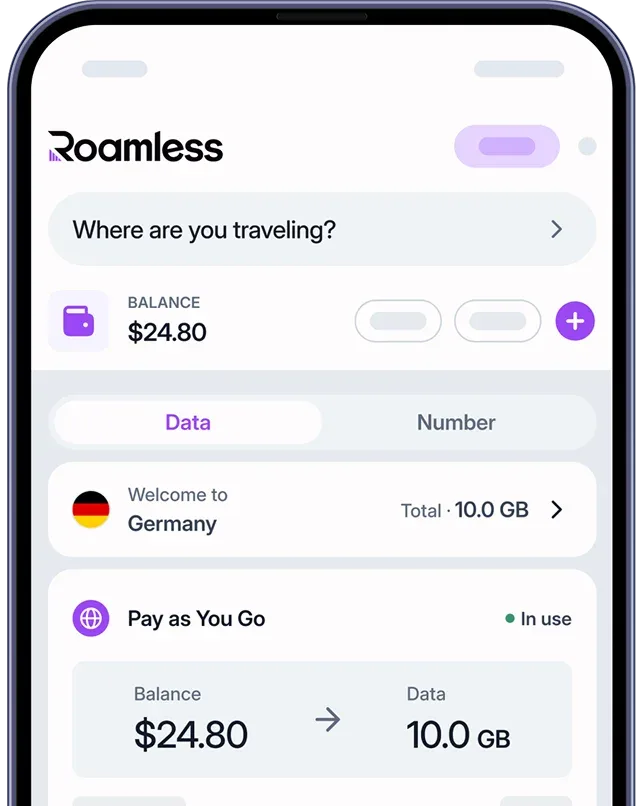
With a travel eSIM like Roamless, you can access the internet without relying on public WiFi networks, giving you a more reliable connection throughout your trip.
Private mobile connection: Rather than joining a shared public network, your internet access runs through a dedicated mobile connection.
Easy activation: Install the eSIM before you leave home and it connects automatically once your device picks up a local network.
Fully digital process: Everything is handled online from start to finish, with no store visits or physical SIM card swaps required.
Broad coverage: Mobile data works across the entire United States and in over 200 destinations worldwide.
For more information, visit our page on eSIM United States of America.
You can also check out our other guides such as Minneapolis Airport WiFi, Detroit Airport WiFi, Portland Airport WiFi, Dallas Airport WiFi, Seattle Airport WiFi.
Source:
https://www.ifly.com/airports/austin-bergstrom-international-airport/internet-wifi