Free WiFi is available in all public areas of Dallas Fort Worth International Airport (DFW). You can connect by selecting the “DFW Public 5G WiFi” or “DFW Public 6E WiFi” network, available across all five terminals. This guide explains how to connect to Dallas Airport WiFi and what to do if you experience connection issues.

Does Dallas Airport Have Free WiFi?
Yes, Dallas Airport offers free WiFi throughout its five terminals, lounges and public areas. The internet connection is generally sufficient for browsing the web, watching videos, and listening to music.
Dallas Airport WiFi Name
The WiFi networks to connect to are called “DFW Public 5G WiFi” and “DFW Public 6E WiFi”. Be sure to choose the correct network when connecting.
Note: The network name (SSID) may change over time. If you are not sure, check the airport signs or ask airport staff for assistance.
How to Connect to Dallas Airport Free WiFi
Connecting to free WiFi at Dallas Airport is simple. Follow these steps:
Open the WiFi settings on your mobile device.
Select the network named “DFW Public 5G WiFi” or “DFW Public 6E WiFi” from the list.
Open your web browser.
A login page will appear asking you to accept the terms. Accept the terms and conditions to connect.
Note: If the WiFi login page does not open, check your browser’s pop-up blocker and disable it before reconnecting.
Dallas Airport WiFi Not Working?
If you have trouble connecting to free WiFi at Dallas Airport, try the steps below:
Check WiFi settings: Make sure WiFi is on and Airplane Mode is off.
Verify the network name: Connect only to “DFW Public 5G WiFi” or “DFW Public 6E WiFi.”
Reconnect: Turn WiFi off, wait a few seconds, and turn it on again.
Open a web browser: Go to any website to load the WiFi login page.
Turn off VPN temporarily: Active VPNs may block the login page.
Note: If the issue continues, airport staff can help you with the internet connection.
Using an eSIM at Dallas Airport and in the United States
Free WiFi at Dallas Airport is useful, but it only works inside the terminals. Travelers who want internet access both at Dallas Fort Worth International Airport (DFW) and beyond during their stay in the United States may prefer a global eSIM.
Quick activation: Mobile data becomes available after connecting to a local network.
Use beyond the airport: Internet access continues throughout Dallas without relying on public WiFi.
Private mobile data: Mobile data runs through a cellular network rather than shared WiFi.
Nationwide use: Mobile data can be used across the United States, not just in Dallas.
Security Risks of Using Public WiFi Networks
Public WiFi networks may carry security risks, especially in busy public places. Common issues include:
Data exposure: Information sent over open networks may be visible to others.
Untrusted networks: Some WiFi networks appear legitimate but collect user data.
Malware risk: Shared networks can increase exposure to harmful software.
Screen visibility: People nearby may see sensitive information on your screen.
Note: To reduce risks, avoid entering passwords, payment details, or other sensitive information when using public WiFi.
For more information, you can read our guide onIs Airport WiFi Safe.
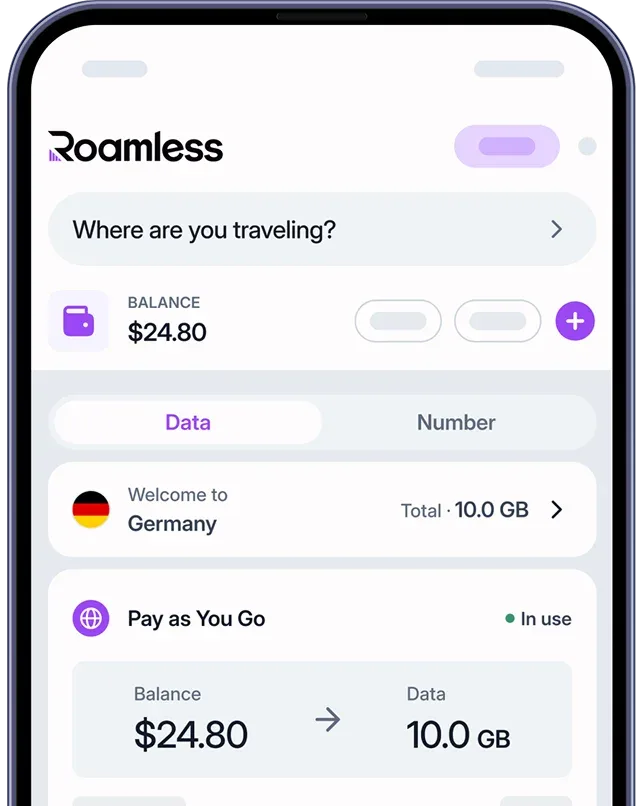
How Roamless eSIM Offers a Secure Alternative
Roamless eSIM provides mobile internet access without relying on public WiFi networks:
Private data access: Internet usage runs through an individual mobile data plan instead of shared WiFi networks.
Activation on arrival: The eSIM can be set up before travel and becomes active when the device connects to a local network.
Easy Digital setup: The entire process is handled digitally, without visiting a physical store.
Wide global coverage: Data is available across the United States and in more than 200 destinations worldwide.
For more information, visit our page on eSIM United States of America.
You can also check out our other guides such as Orlando Airport WiFi, San Francisco Airport WiFi,Chicago Airport WiFi, Newark Airport WiFi.
Source: