JFK Airport offers a free WiFi solution for all passengers and visitors. Whether you're waiting for your flight, spending time during a layover, or just picking someone up, you can enjoy free internet access throughout the airport.

Does JFK Airport have free WiFi?
Yes, JFK Airport offers free WiFi throughout its terminals. Passengers can connect to the internet by selecting the "JFK-Free-WiFi" network on their device. Once connected, follow the on-screen instructions to access the internet for free. There is no time limit for the WiFi service, making it convenient for travelers needing to stay connected during their time at the airport.
How to connect to JFK Airport WiFi?
To connect to JFK Airport's free WiFi, follow these steps:
Enable WiFi on Your Device: Go to your device's settings and turn on the WiFi feature.
Select the Network: Look for and select the network named “JFK-Free-WiFi” from the list of available networks.
Open a Browser: Once connected, open a web browser on your device.
Complete the Login: You will be automatically redirected to the airport's WiFi login page. Follow the on-screen instructions to connect.
Ensure your device's WiFi is turned on and you're within range of an access point.
Forget the "_Free JFK WiFi" network and try reconnecting.
Restart your device and attempt to connect again.
Move to a different location in the airport to find a stronger signal.
Once completed, you’ll have access to unlimited free internet throughout JFK Airport.
JFK Airport WiFi Name?
WiFi network name (SSID) for New York JFK Airport is: _Free JFK WiFi
Note: The network name (SSID) may change, so always verify the correct network name upon arrival at the airport.
JFK Airport WiFi not working?
If you're having trouble connecting to JFK Airport's WiFi, follow these troubleshooting steps:
If problems persist, seek assistance from airport staff or use an alternative connection method.
[[TryRoamlessForFree]]
Why public WiFi networks can be insecure
While convenient, public WiFi networks can pose security risks:
Lack of encryption: Many public networks don't encrypt data, making it easier for hackers to intercept.
Man-in-the-middle attacks: Cybercriminals can create fake networks to steal your information.
Malware distribution: Unsecured networks can be used to spread malware to connected devices.
Eavesdropping: Others on the same network may be able to monitor your online activity.
Outdated security: Public networks may not always have the latest security updates.
You can read our guide on is Airport WiFi safe for more details.
How Roamless eSIM can be a Secure Alternative
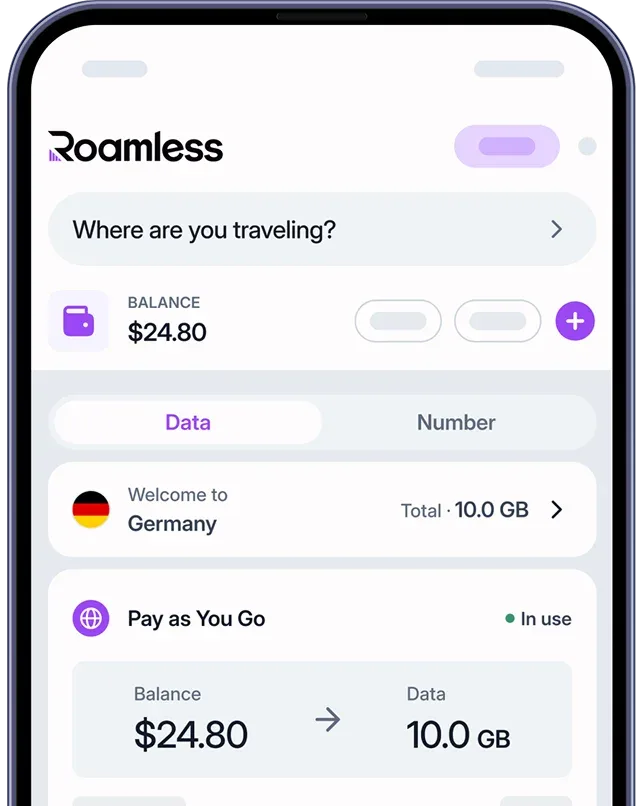
For travelers visiting JFK Airport, a Global eSIM like Roamless can offer a more secure and reliable connection alternative:
Enhanced security: Use your own private connection instead of public WiFi.
Instant connectivity: Activate your eSIM before arrival for immediate internet access.
Seamless coverage: Maintain connectivity throughout your stay, not just at the airport.
Cost-effective: Avoid expensive roaming charges from your home carrier.
Flexibility: Choose plans that suit your specific needs and duration of stay.
No physical SIM required: Easily switch between plans without changing SIM cards.
Visit our eSIM New YorkandeSIM USA pages for more information. By using a Roamless eSIM, travelers can enjoy a more secure and reliable internet connection at JFK Airport.
You can also check our other guides for Sydney Airport WiFi, Brisbane Airport WiFi, Bali Airport WiFi, Delhi Airport WiFi, Paris Airport WiFi, Berlin Airport WiFi, Heathrow Airport WiFi, Luton Airport WiFi, Barcelona Airport WiFi, Toronto Airport WiFiandIstanbul Airport WiFi.