Background app refresh is a feature that allows apps to update their content in the background, ensuring you have the latest information when you open them. While this is useful for keeping apps current, it can also impact both your data usage and battery life. Properly managing this feature is crucial, especially when using a travel eSIM abroad, as it helps optimize data consumption.
What is Background App Refresh and How Does It Work?
Background app refresh means that apps are allowed to update their content in the background, even when you're not actively using them. This allows apps to refresh things like news, messages, and notifications, so they’re ready when you open them. However, while it ensures up-to-date information, it also uses data and can drain your battery if not properly managed.
Note: Some Apple users have observed that when switching to a different app, some apps may run briefly before entering the background. Even then, background app refresh may still allow certain apps to check for updates, but it doesn't always work continuously [1].
What are the Advantages and Disadvantages of Background App Refresh?
While background app refresh includes benefits such as time-saving, access to the latest content, and convenience, it also has some drawbacks, including high data consumption, fast battery drain, and unnecessary updates. A summary of both can be found in the table below:
Advantages | Disadvantages |
|---|---|
Apps are updated in the background, so you don’t have to wait for them to refresh when you open them. | Since apps update in the background, this feature can consume more data, especially when used frequently. |
Apps like email, messaging, and news always show the most up-to-date information when you open them. | Constant updates in the background can drain your device’s battery faster [2]. |
Updates happen automatically, so you can start using your apps right away without manually refreshing them. | Some apps may update content even when it’s not needed, leading to unnecessary data and battery consumption. |
Table: The Advantages and Disadvantages of Background App Refresh
Note: The information provided here is based on user observations and may vary depending on your device settings or app configurations.
How to Manage Background App Refresh on Apple Devices
Managing background app refresh on Apple devices is simple, and it allows you to control how apps update content in the background. The steps are similar for iPhone, iPad, and Apple Watch, with a few minor differences for the Apple Watch:
How to Turn On/Off Background App Refresh on iPhone and iPad:
Open the Settings app.
Scroll down and tap General.
Select Background App Refresh.
Choose Wi-Fi or Wi-Fi & Cellular Data to enable background updates, or tap Off to disable it for all apps.
You can also choose individual apps to turn Background App Refresh on or off.
Open the Watch app on your paired iPhone.
Tap General.
Select Background App Refresh.
Toggle the switch to On or Off.
How to Turn On/Off Background App Refresh on Apple Watch:
Note: Some features, like widgets on your Apple Watch screen, may continue to update even if Background App Refresh is turned off, as they work independently of this setting [3].
Disclaimer: The instructions provided are based on information from Apple as of December 2025. App settings and steps may vary with future updates or on different Apple devices. For the most accurate and up-to-date information, please refer to official Apple support.
How Background App Refresh Affects Data Usage and How to Minimize It
Background app refresh can use a significant amount of data, depending on how often apps update and the type of content they refresh. To reduce the data consumption caused by this feature, here are some effective strategies:
Limit updates to Wi-Fi only: Set background app refresh to update only when connected to Wi-Fi. This prevents apps from using cellular data, which is especially helpful for users on limited data plans.
Disable for apps that don’t need updates: Turn off background app refresh for apps that don’t require frequent updates, such as those you use less often.
Manually refresh apps: For apps that don’t need real-time updates, you can choose to refresh them only when you open the app, saving both data and battery.
Importance of Background App Refresh While Using an eSIM Abroad
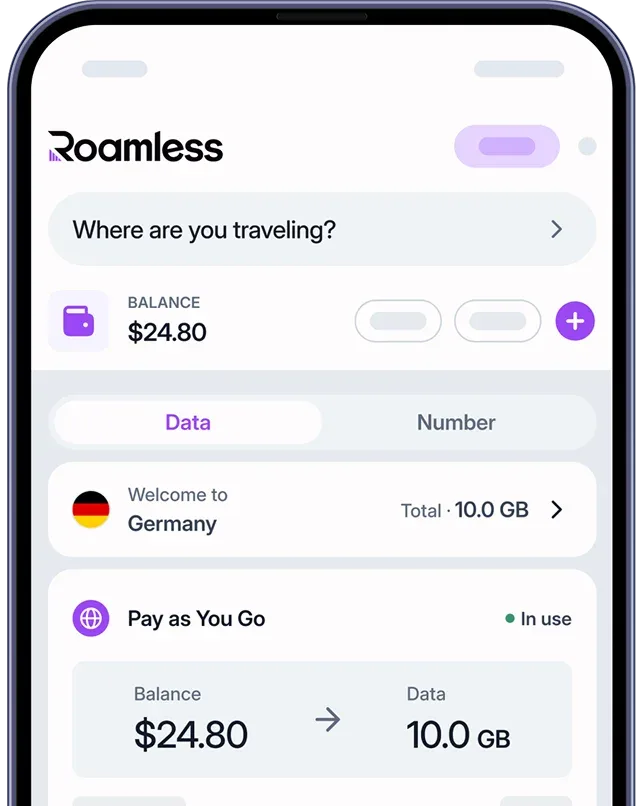
When traveling abroad with a travel eSIM, such as Roamless, managing background app refresh is especially important to control data usage. Here’s why it’s essential to manage this feature:
Preventing unnecessary data usage: Background app refresh can consume a lot of data if apps constantly update in the background. Turning off updates for apps that don’t need them helps you save data and use it more efficiently for important tasks.
Maximizing battery life: Constant background updates can drain your battery quickly, especially while traveling. Turning off unnecessary updates helps conserve battery during long trips or when access to charging is limited.
Note: Some eSIM providers, such as Roamless, offer built-in data tracking features within their apps. This allows you to monitor your data usage in real time and helps you stay within your data limits, especially when managing background updates.
For more tips on managing your data while traveling, you can check out our posts on the Best Travel Apps and the Best Travel Apps for Planning.
Frequently Asked Questions
What is the Purpose of Background App Refresh?
Background app refresh allows apps to update their content in the background, even when not actively used, so you always have the latest information when you open them.
What Happens If I Turn Off Background App Refresh?
Turning off background app refresh will prevent apps from updating in the background, saving both data and battery. However, the apps may take longer to show new content when you open them.
Does Background App Refresh Really Drain the Battery?
Yes, constant background updates can drain your battery, especially if several apps are updating frequently. Turning off background app refresh can help conserve battery life.
Does Low Power Mode Turn Off Background App Refresh?
Yes, when Low Power Mode is enabled, background app refresh is automatically turned off to help save battery. For more information, you can also read our post on What is Low Data Mode on iPhone.
Where is Background App Refresh on iPhone?
You can find background app refresh in Settings → General → Background App Refresh and toggle it On or Off on your iPhone.
Where is Background App Refresh on Android?
Go to Settings and select Apps & Notifications → See All Apps → tap the app you want to enable or disable background data for → select Mobile Data & Wi-Fi → turn the Background Data slider to On or Off. Note: On Android, this feature is referred to as Background Data, not Background App Refresh.
Sources:
[1] Apple Community. ''What is Background App Refresh on iPhone''. Accessed December, 2025. - https://discussions.apple.com/thread/252873293?sortBy=rank
[2] Apple Community. ''What does the iOS Background App Refresh switch do?''. Accessed December, 2025. - https://discussions.apple.com/thread/254963561?sortBy=rank
[3] Apple Support. ''Extend the battery life on Apple Watch''. Accessed December, 2025. - https://support.apple.com/en-om/guide/watch/apd422aaa391/watchos